
If you need to email: Order@CICorp.com for password
After the first purchase, if you want to install it for another computer or user - Half Price ($30)
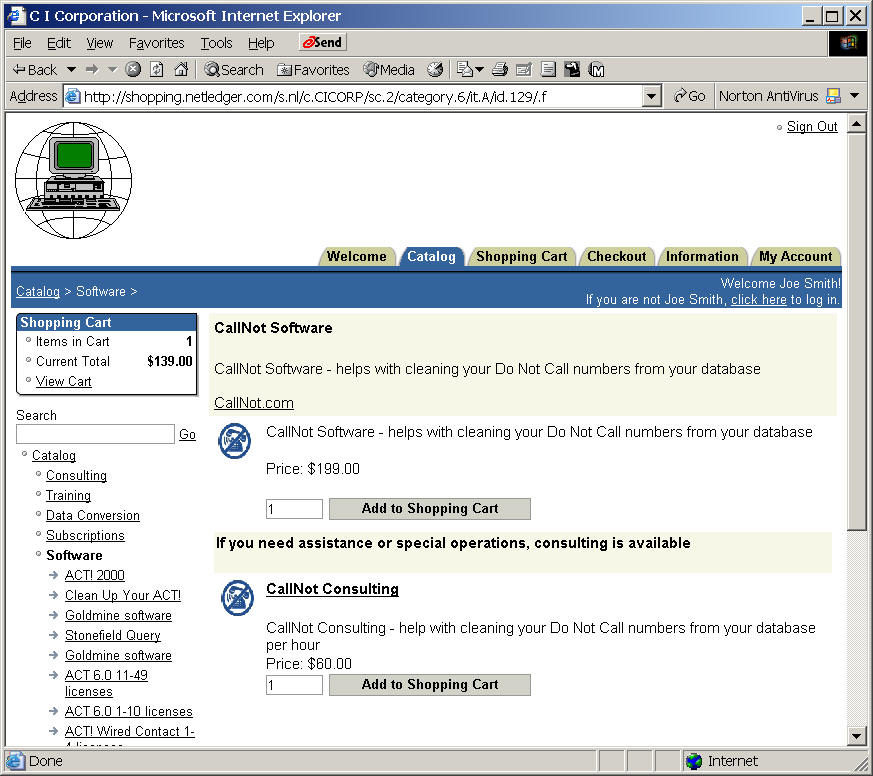
When you click on the above links, you will be taken to
the following screen, where you can order using any credit card.
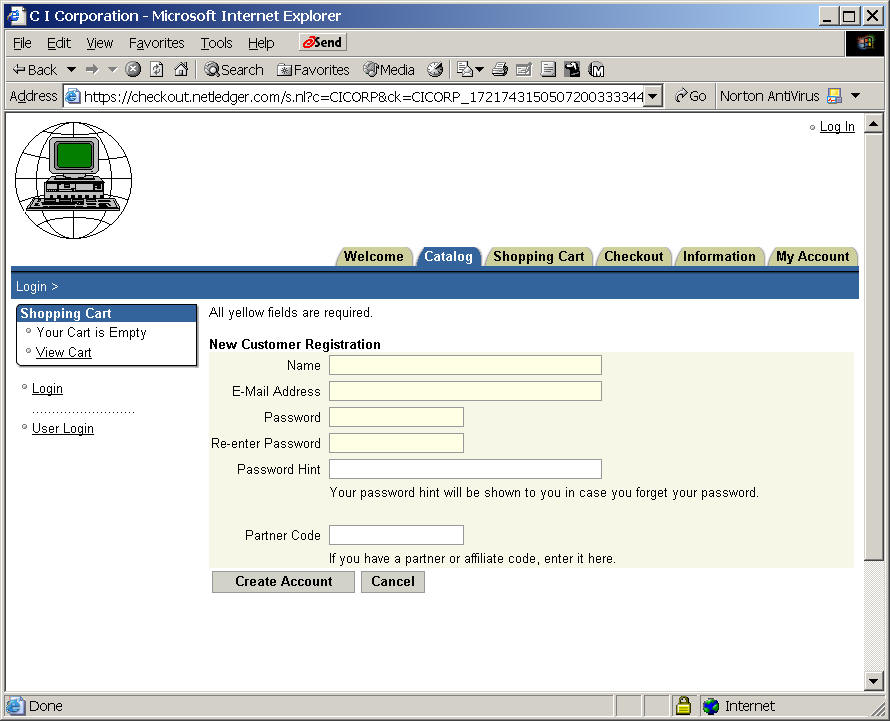
Look for the
Register link in the upper right corner to set up your own account.
C I Store.com
Register a new account
You can send it to
C I Corporation
P. O. Box 100411
Washington, DC 22210
You can fax your credit card information to 202-449-9500