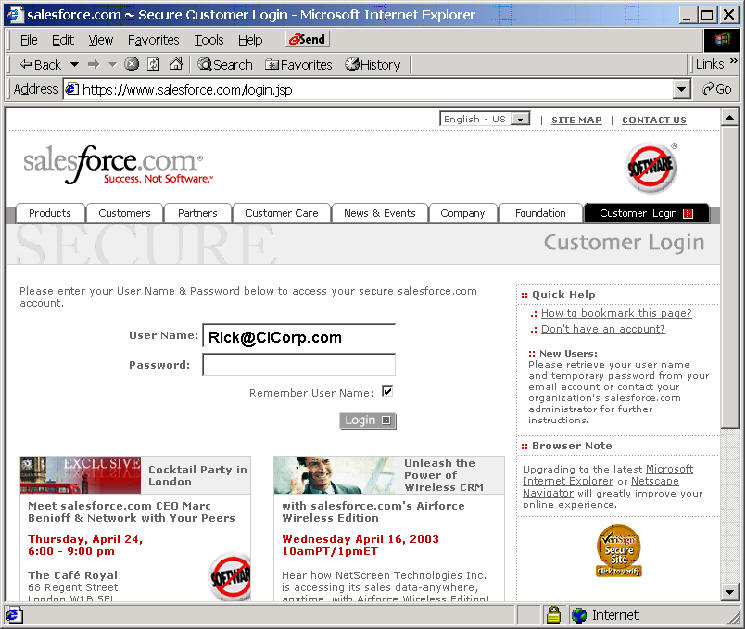
Go in to SalesForce.com and Log in
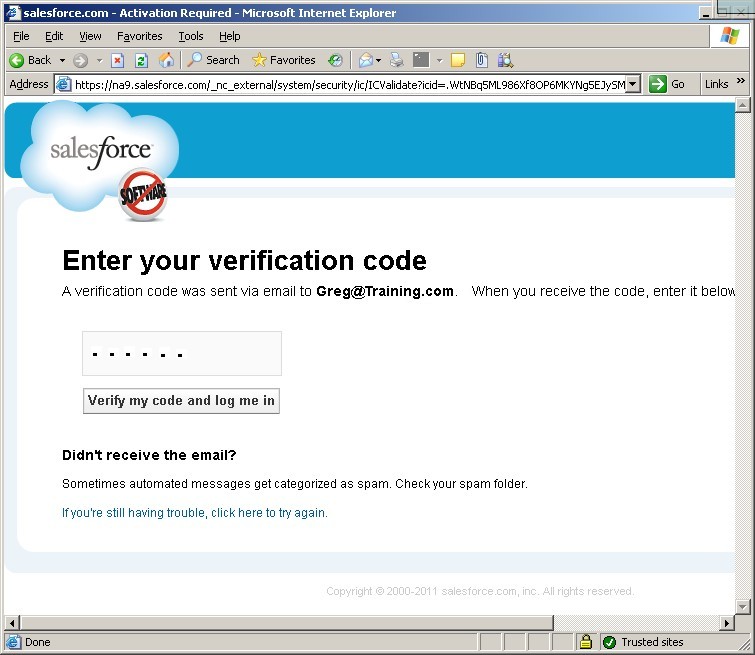
This may require an Activation Link for that workstation that looks like this.
|
From: Salesforce.com Support
<support@salesforce.com>
Date: Fri, Jun 26, 2009 at 12:44 PM
Subject: Your Salesforce.com Activation Email To: "Yourname@email.com" Dear User, You have requested to activate a computer for access to salesforce.com. Use the link below within 24 hours to activate this computer: IMPORTANT: If you have not requested to activate a computer, or believe you have received this message in error, please contact salesforce.com support (support@salesforce.com) immediately. Copy and paste this link to the browser from which you would like to access Salesforce.
What does "activation" mean? Should I activate this computer?
Activation helps reduce the risk of security issues related to login. Activating this computer helps salesforce.com recognize this computer when you use it to access Salesforce. You should activate this computer if it is owned by you or your employer and you are confident it is free of malware. |
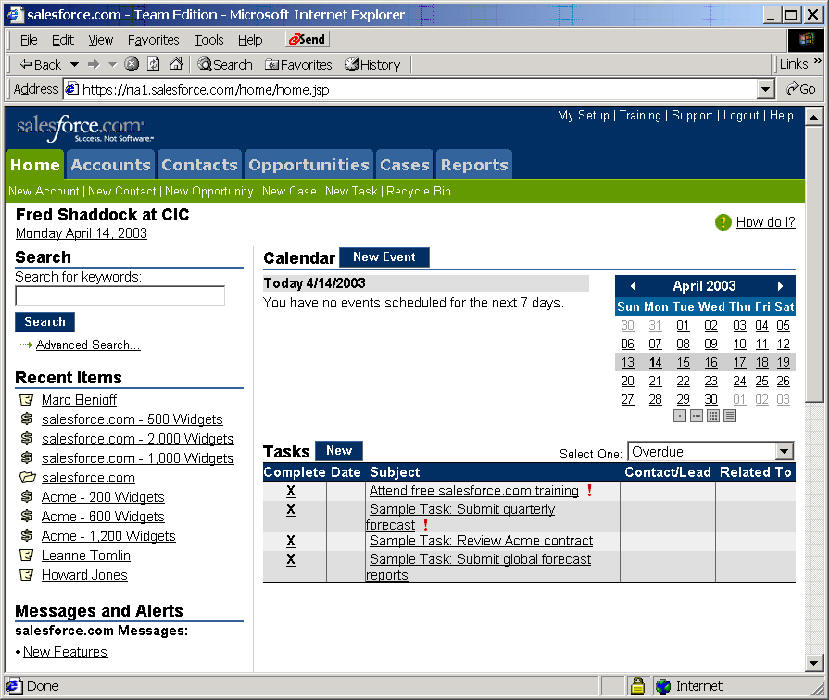
Then go to the My Setup in the upper right corner
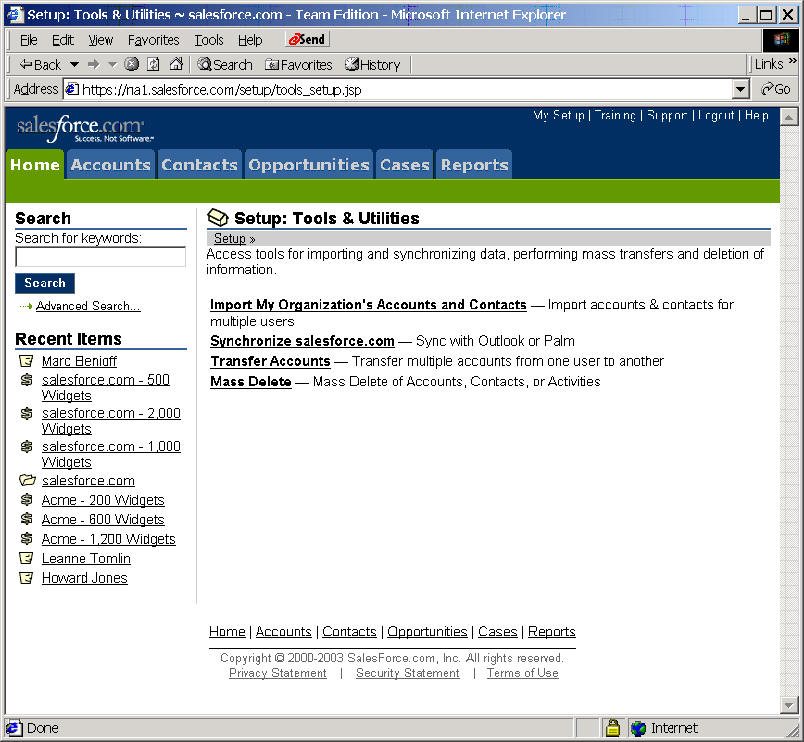
Look for Tools & Utilities
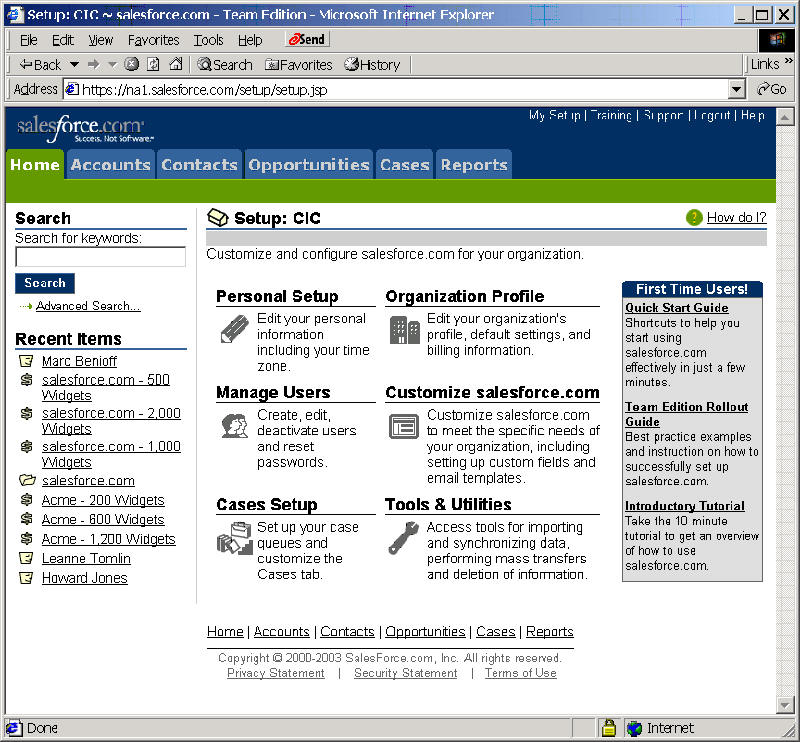
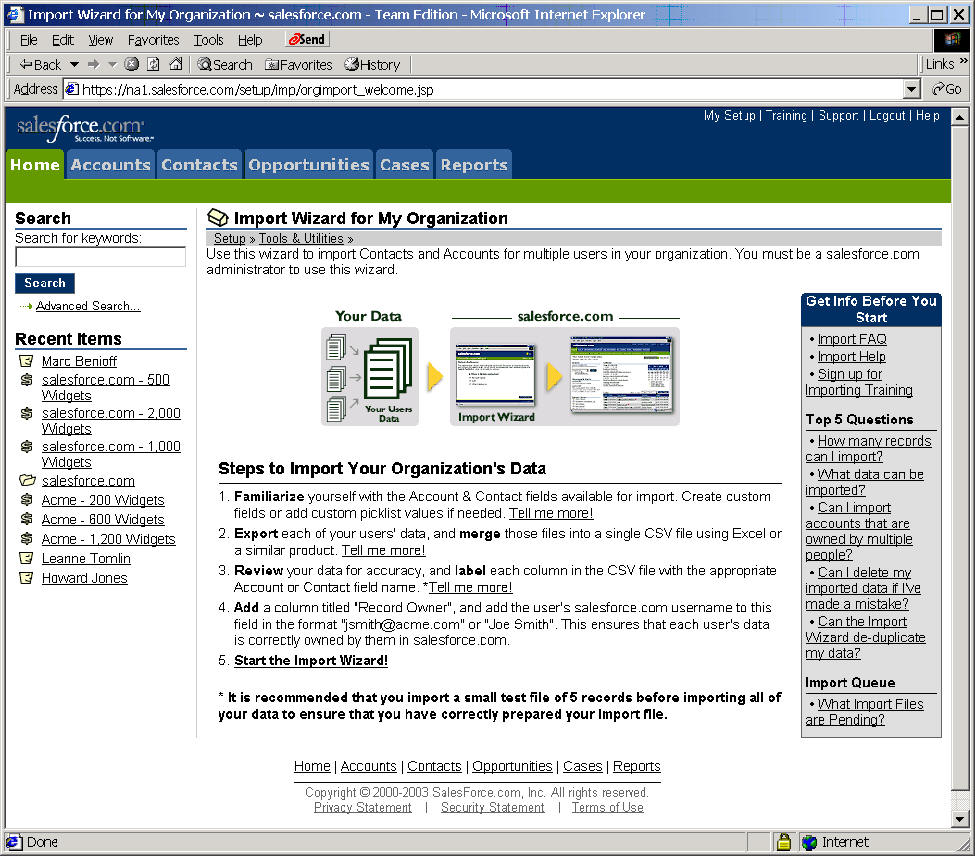
Select Import My Organization's Accounts and Contacts
Start the Import Wizard
www.youtube.com/watch?v=2zw49rTrcdg